LTU-XR
Ubiquiti
Original New
1 year
| Availability: | |
|---|---|
| Quantity: | |
Category | Item | Specification |
|---|---|---|
Basic Info | Product Model | UISP LTU-XR (LTU Extreme-Range) |
Product Type | 5 GHz LTU® PtMP CPE (Client) | |
Positioning | Ultra-long-range wireless client for WISP; pairs with LTU-Rocket as base station | |
Operating System | airOS® | |
Performance | Maximum Throughput | Up to 550 Mbps |
Modulation | 1024-QAM | |
Encryption | WPA2-PSK (AES) | |
Uplink/Downlink Ratio | 25/75, 33/67, 50/50 selectable | |
Auto Distance Adjustment | Yes | |
Auto Power Adjustment | Yes | |
Radio / RF | Operating Frequency | 5.15 – 5.95 GHz (depends on regulatory region) |
Max. Conducted TX Power | 25 dBm | |
Channel Bandwidth | 10/20/30/40/50 MHz (60/80/100 MHz with FW v2.3.0+) | |
Antenna Gain | 29 dBi (Integrated high-gain dish antenna) | |
Antenna Isolation | 20 dB | |
Beamwidth | HPOL / VPOL / Elevation: 3 dB: 5.5°; 6 dB: 7.5° | |
Electrical Downtilt | 0° | |
Hardware / Interface | Networking Interface | (1) GbE RJ45 Port |
Power Method | Passive PoE 2-pair (4, 5+; 7, 8–) | |
Power Supply | 24V DC, 0.5A Gigabit PoE Adapter (included) | |
Supported Voltage Range | 22 – 26V DC | |
Max. Power Consumption | 8.5W | |
Software / Management | Wireless Mode | PtMP CPE only |
Network Mode | Router Mode | |
Management Interface | Bluetooth management via UISP App + WEB UI | |
Services | SNMP, SSH, Dynamic DNS, Webserver, Remote Log, Ping Watchdog | |
Utilities | airView®, Speed Test, Alignment, Discovery, Ping, Traceroute, Cable Test, Constellation | |
Mechanical | Enclosure Material | Aluminum alloy, UV-stabilized polycarbonate |
Ingress Protection | IPX6 | |
Dimensions (W×D×H) | 747 × 525 × 347 mm | |
Weight | 3.2 kg (7.06 lb) | |
Mounting | Integrated pole mount (included); pole Ø 35–60 mm | |
Environmental | Operating Temperature | -40°C to 55°C (-40°F to 131°F) |
Operating Humidity | 5% – 95% non-condensing | |
Certifications | Compliance | FCC, IC, CE |
Package Contents | In the Box | LTU-XR, Gigabit PoE Adapter (24V/0.5A), Pole Mount Kit, Mounting Hardware |
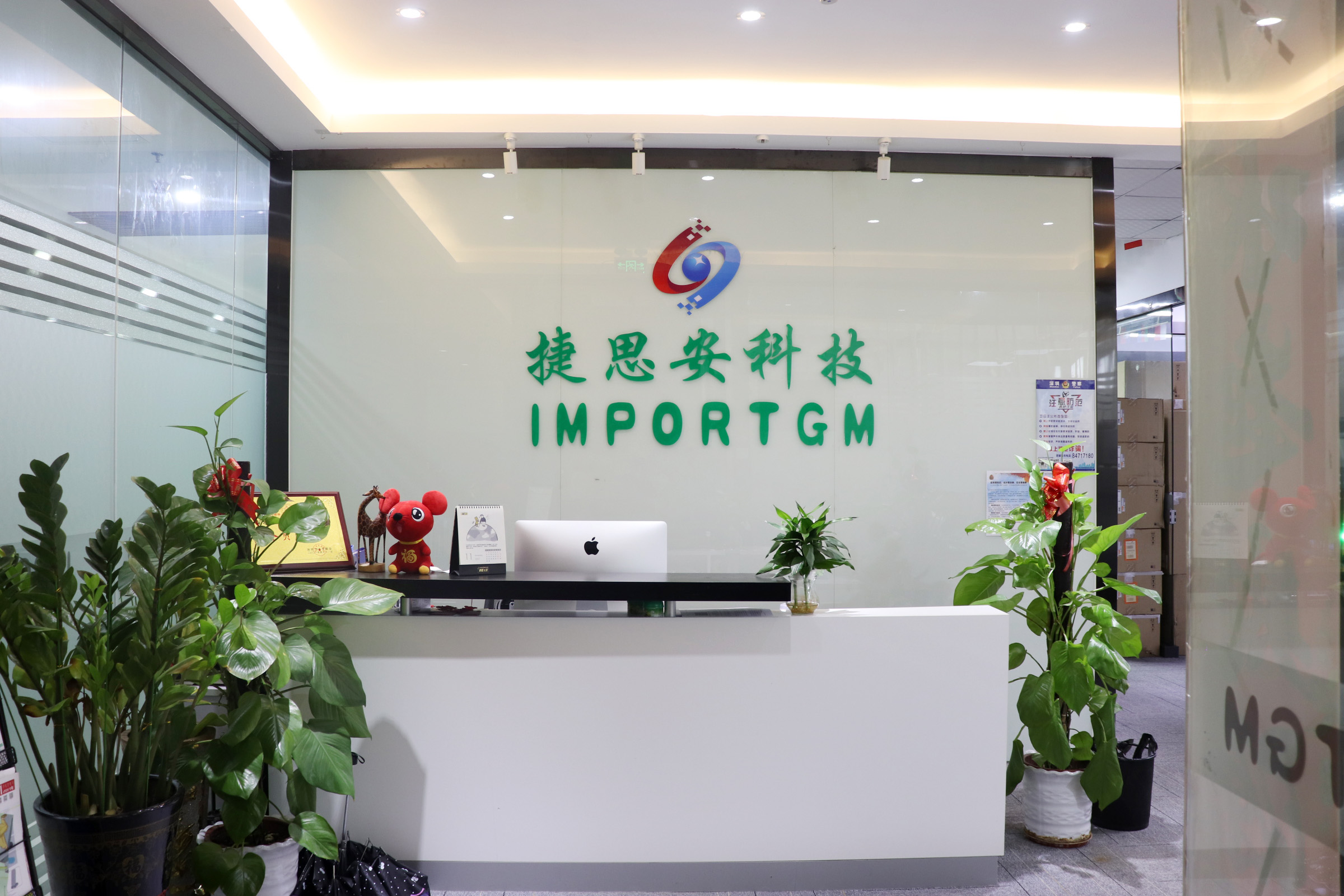
Shenzhen Importgm Technology Co., Ltd.
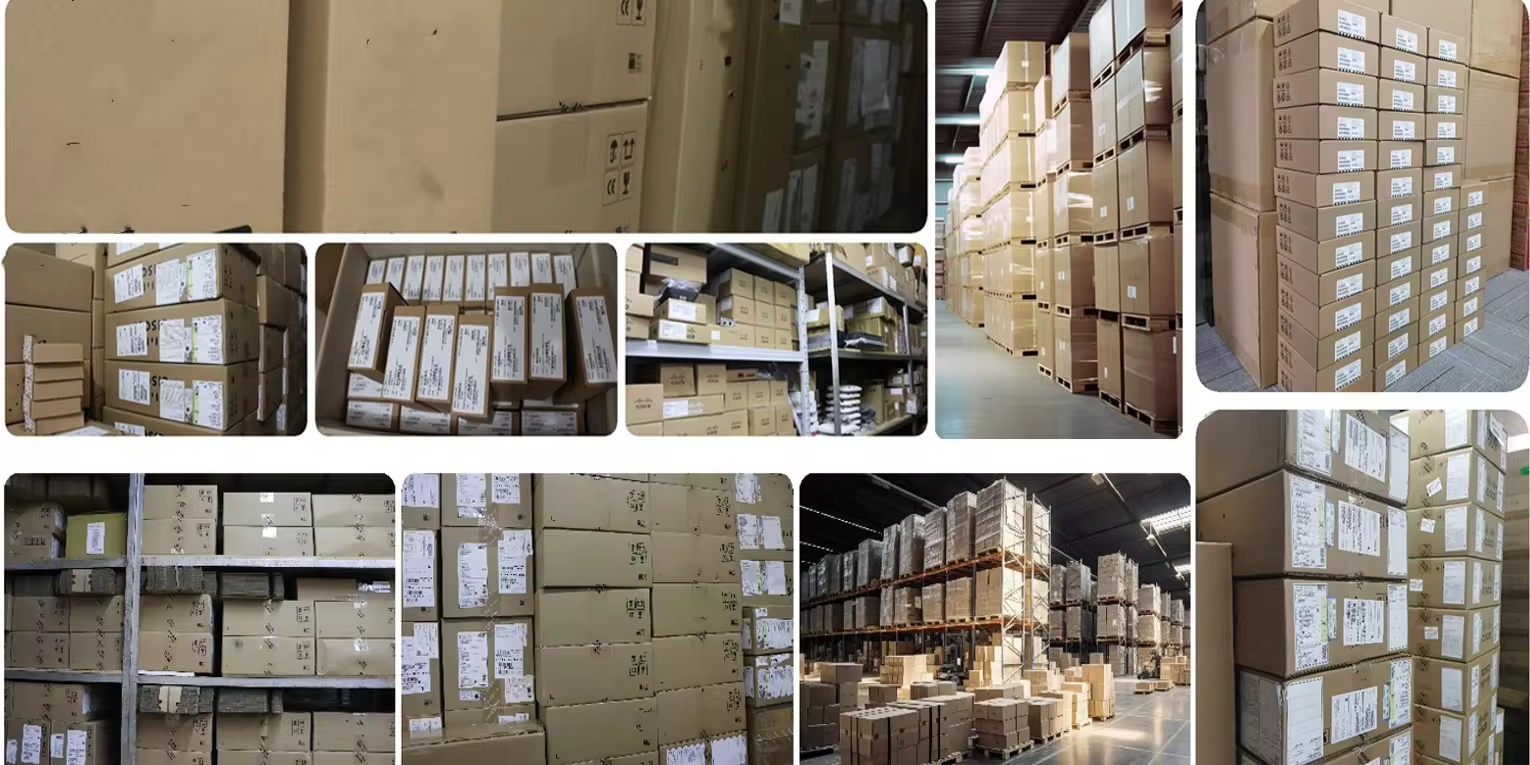
Shenzhen Importgm Technology Co., Ltd. has been operating in the I T services market since 2010, focusing on the R&D, design and sales of core equipment and general accessories in the field of network communications, we are distributors and resellers of worldwide brands of communication equipment, general accessories and system solutions for global customers.We offer a wide range of products, including networking routers, switches, firewalls, servers, I P phones, video conferencing equipment, wireless A P, P D U and modules. We are located in Shenzhen with convenient transportation access. Over the years we have developed a team of highly skilled staff that delivers quality and effective solutions and services. Based on our rich experience, we can supply products with stable packages, reliable delivery, competitive prices and on-time support. Our products are exported to customers in such regions as the Middle East, Africa, America,Europe and Asia. We also welcome O E M and O D M orders.Whether selecting current products from our inventory or seeking engineering assistance for your project bid, you can consult our business staff at any time. Our service does not end when the invoice is printed but begins as soon as you have received your order. Any customers' business visit and negotiation is warmly welcomed. Let's work together and win-win.


A: The LTU-XR is ideal for long-range wireless broadband networks, providing reliable connectivity for rural areas, remote sites, and enterprise networks.
A: The LTU-XR can be mounted on a pole or other suitable outdoor structure. Follow the installation guide for proper mounting, alignment, and network connection.
A: Regular firmware updates are recommended for the LTU-XR to maintain optimal performance, stability, and security. Check Ubiquiti's website for the latest updates.
A: Alternatives to the LTU-XR include other Ubiquiti LTU series devices, offering different wireless ranges, capacities, and antenna configurations for various applications.
A: For common issues, check the power connection, verify antenna alignment, review network settings, and ensure the firmware is up-to-date.